Passport photos
that actually pass.
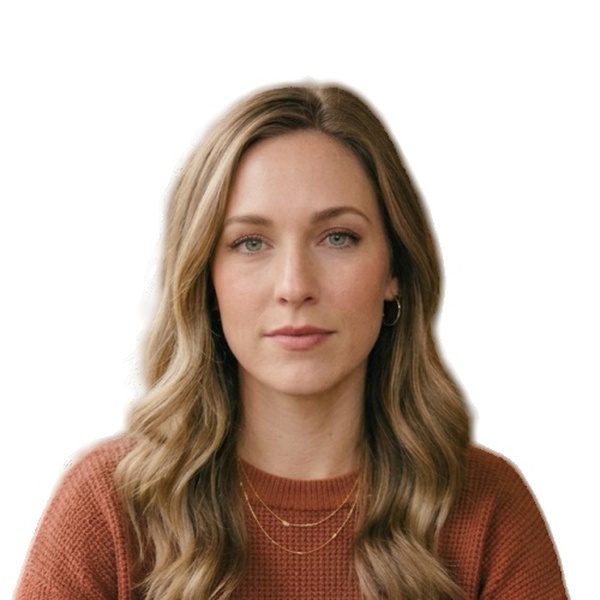
Take a phone photo. Our AI crops it to spec, sets a studio-white background and runs the same 10 checks an agent would — in 60 seconds.
How does PhotoPass work?
No account, no app download, no appointment. Just upload and go.
Pick your document
Passport, visa, or OCI — we load the exact government spec.
Take or upload a photo
Any clear photo from your phone. We'll fix the rest.
AI handles everything
Auto-crop, background removal, 10-point compliance scan.
Download & print
300 DPI print sheet. CVS, Walgreens, or home printer.
What does paid preparation check?
These automated signals support eligible document-preparation routes. They do not reproduce a government review or decide acceptance.
PhotoPass shows the preparation and automated checks available for your selected document before you pay.
The right feature for each route
Preparation and validation tailored to the document you select.
Document-Aware Checks
Each supported route uses checks tailored to its required dimensions, resolution, and editing rules.
Smart Auto-Crop
Available only on supported paid document routes where image preparation is appropriate.
Print-Ready 300 DPI
Eligible paid documents include a standalone file and a ready-to-print 4×6″ sheet.
Privacy-First
Encrypted in transit, processed on AWS, deleted within 24 hours. Never shared or used for training.
Route-aware preparation
Background preparation applies only where supported. U.S. paper-photo preparation preserves the captured background.
What happens if my photo is rejected?
Eligible paid outputs include a refund guarantee. The guarantee does not turn an automated preview into government approval; only the issuing authority decides acceptance.
Built by an engineer, not a photo studio
“I built PhotoPass after spending $34 on two rounds of CVS passport photos — the first got rejected, and I had to pay again for the retake. There had to be a better way. So I built one.”
— Founder, PhotoPass
How much does PhotoPass cost?
For supported paid documents, preview the result first and pay once when you're ready.
- High-res digital file for supported paid documents
- 4×6″ print sheet with multiple copies
- 10-point automated preparation check
- Instant email delivery + 24-hour link
- Eligible photo-rejection refund policy
Frequently Asked Questions
Only the issuing authority can decide acceptance. PhotoPass applies the preparation and automated checks available for your selected document, and eligible paid outputs include a refund guarantee.
Your photo is sent via 256-bit encrypted connection to our secure AWS servers for processing, then permanently deleted within 24 hours. We never share, sell, or use your photos for AI training or any other purpose.
Available outputs depend on the document you select. Supported preparation routes can include a high-resolution JPEG and a 4×6″ print sheet with multiple copies; routes that require an unchanged original do not create a replacement file.
PhotoPass provides document-specific routes for Indian, U.S., UK, Canadian, and Australian passport and visa applications. Choose the exact document shown on your application to see the preparation available for it.
Most photos take only a few minutes. You can review the available result before purchasing an eligible paid output.
No. Choose your document, upload your photo, and review the available result without creating an account.
Passport photo specs by country
Before uploading, use our passport photo checker to review supported file properties. Applying for an OCI card? Read the OCI photo requirements.
India — Passport Photo Requirements 2026
35×45mm, 630×810px, 80–85% face — the complete Passport Seva spec.
United States — Passport Photo Requirements 2026
Original digital upload for online renewal or one 2×2 print for paper forms — current State Department rules.
United Kingdom — Passport Photo Requirements 2026
35×45mm paper photos; own-device digital photos start at 600×750px and use a plain light-coloured background.
Canada — Passport Photo Requirements
50×70mm print, 31–36mm face, white background — IRCC official rules.
Australia — Passport Photo Requirements 2026
35–40mm × 45–50mm, 32–36mm face height — DFAT specifications.
Passport Seva Photo Upload Errors
Fix 630×810, distortionCheck, image quality, and document upload errors.
distortionCheck Failed: Fix It
Check camera distance and stretched resizing, then retake or recrop using verified guidance.
Prepare a supported passport photo online
Upload and preview a supported paid document before purchasing the prepared files.
$2.99 one-time for supported paid routes · U.S. paper-photo preparation preserves the captured background
Choose Your Document